Your orders.
Your guests.
Zero commission.
A QR code menu, delivery, table ordering and reservations under your own brand. Every order goes straight to your restaurant.
A free 30-minute demo. No credit card and no commitment.
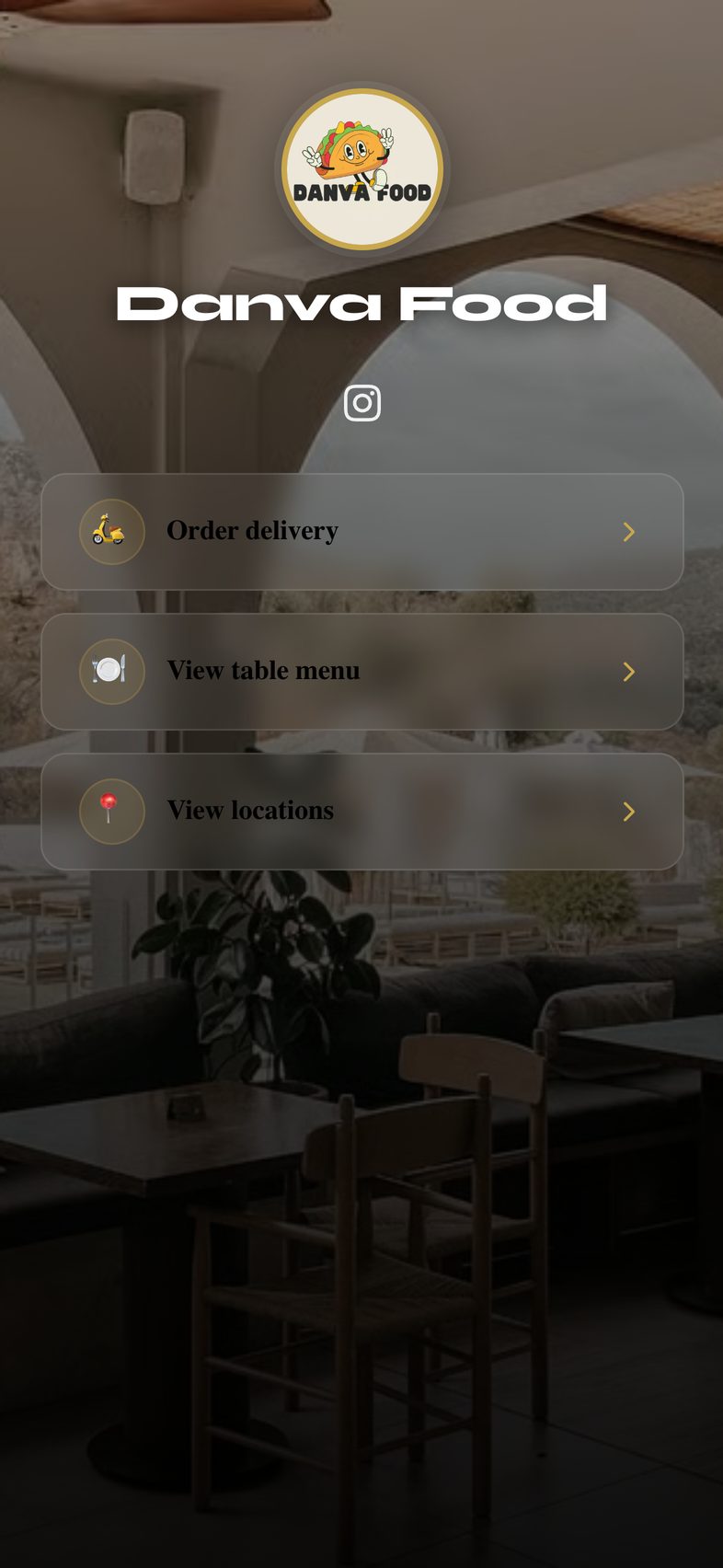
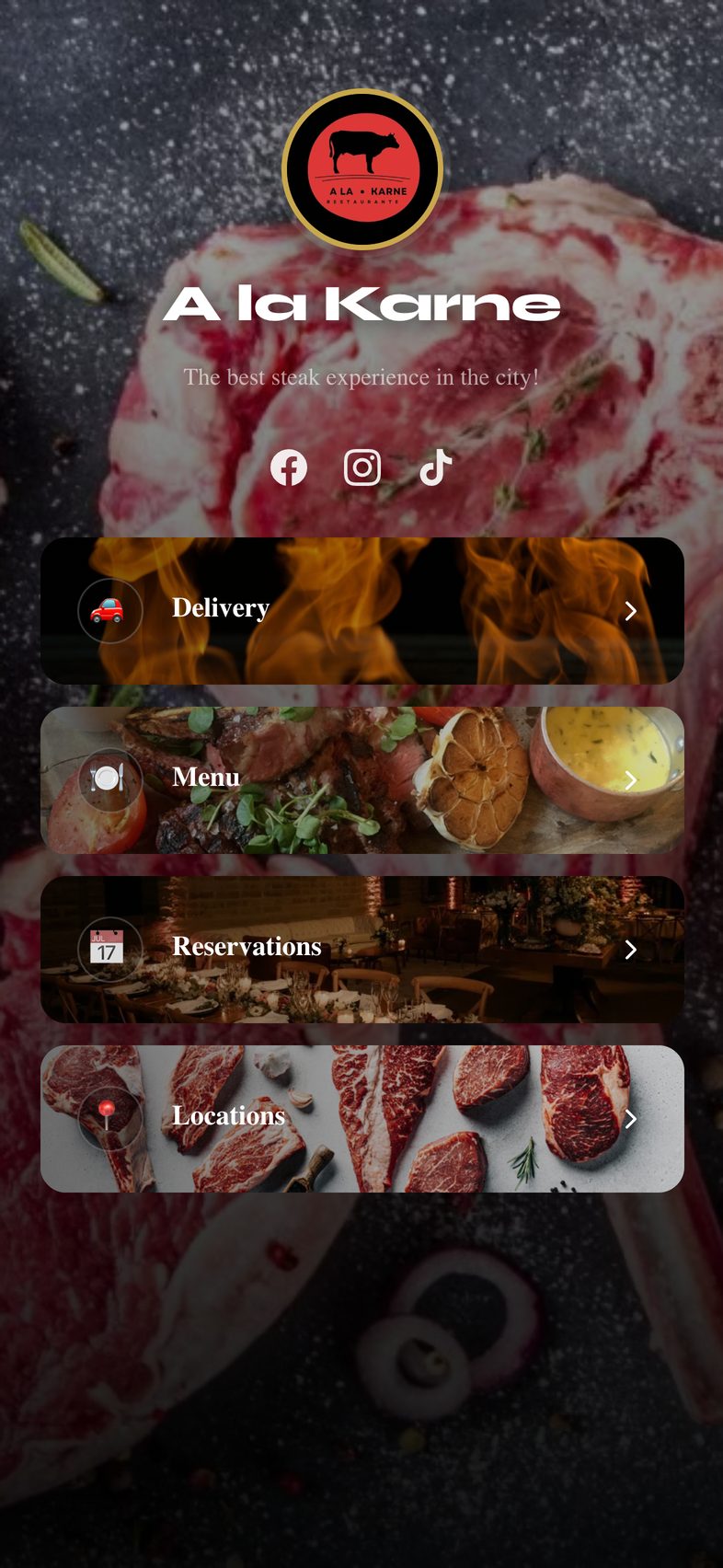
Restaurant software for restaurants that sell direct.
Digital menu, delivery, reservations and repeat guests connected in one dashboard. Turn on only what your restaurant needs.
QR code digital menu
Your menu on every guest's phone, with photos, prices, item options and serving hours.
Commission-free delivery orders
Guests order through your own channel and you pay no commission per order. With delivery zones and live tracking.
Online reservations
Guests book any time without calling. You see the calendar and your floor plan.
Table ordering and split checks
Guests order from the QR code at their table and split the check evenly or by what each person ordered.
Real-time sales
See how much you sold today, which dishes move most and how each location is doing.
Guests who come back
Your guest list belongs to you. Send email campaigns and give them your stamp card in Apple Wallet so they come back.
Your brand
Your logo, your colors and your own link, like yourrestaurant.gastroof.com. Guests see your restaurant.
Multiple locations
Each location with its own menu, hours, delivery zones and team, all from one login.
Built for restaurants that want to sell direct.

Independent restaurants
Take online orders through your own channel, with no commission on each sale.
Multi-location groups
A different menu for each location, separate teams and sales from every location in one dashboard.
Dine-in and delivery
Reservations and QR ordering for the dining room, plus live tracking for every delivery.
This is what your guests see on their phone.
Pick a feature and see it in action.
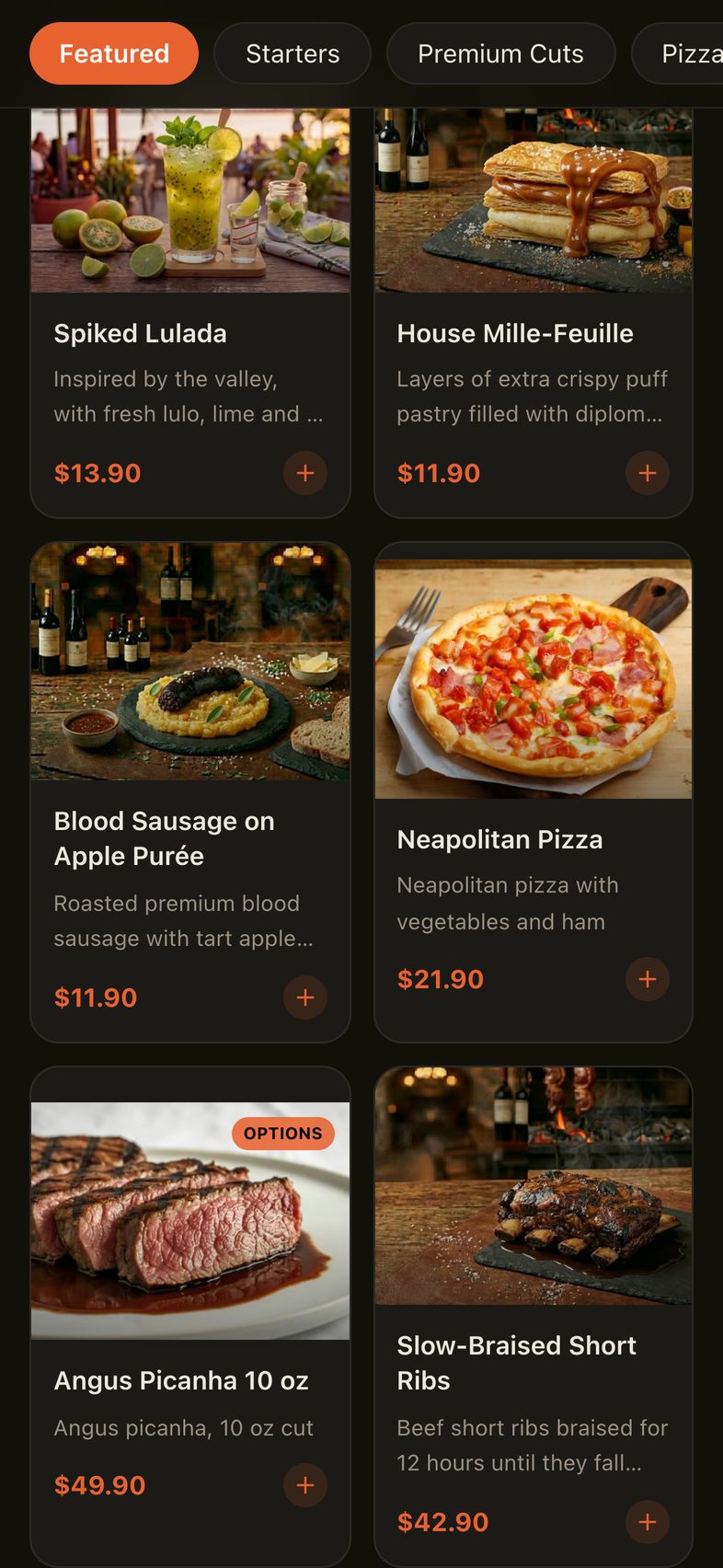
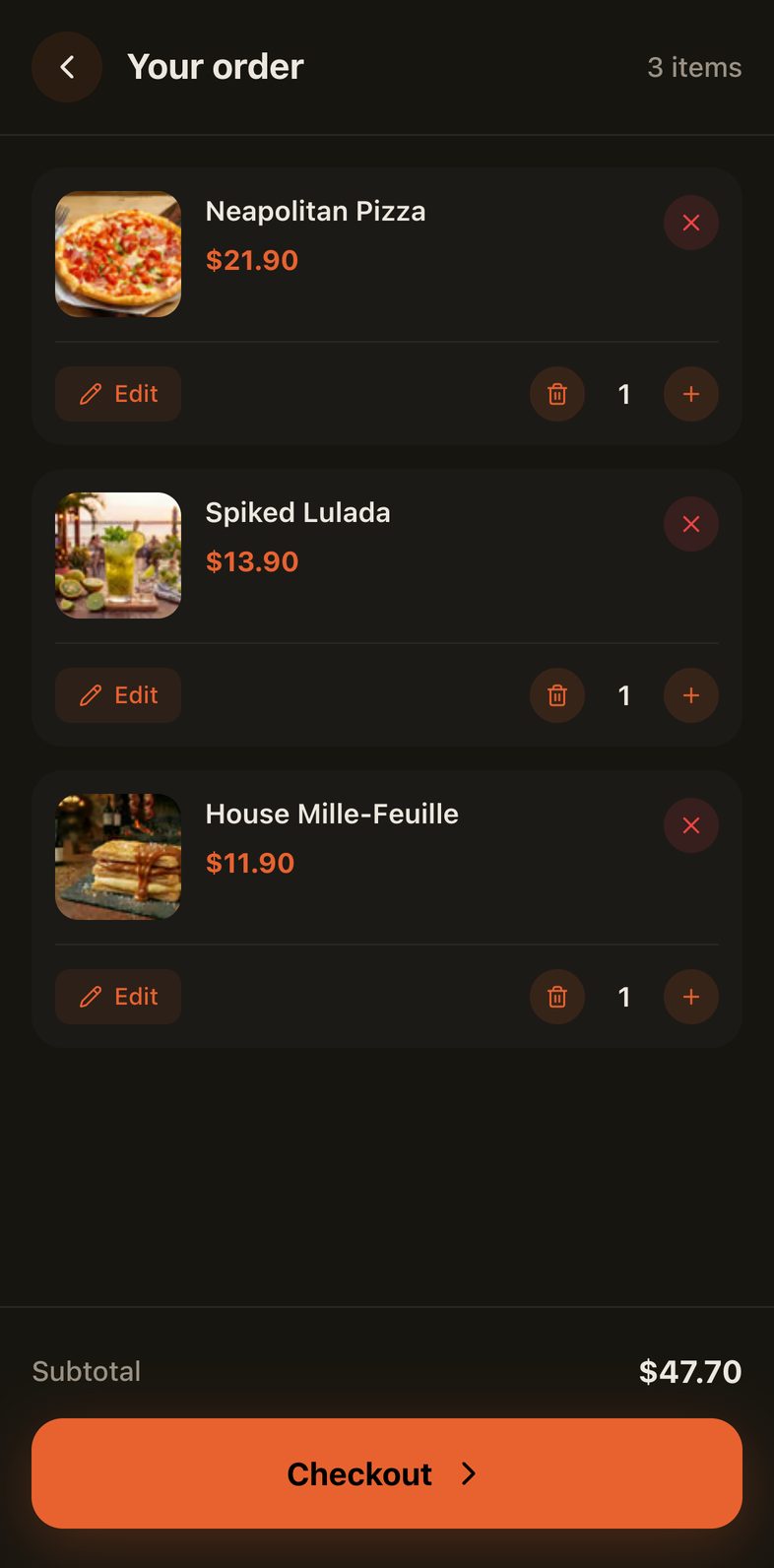
A digital menu that is always up to date.
Change a price or pause a sold-out dish from your phone and guests see it right away. No more reprints.
- QR menu for tables and a link for delivery
- Item options: sizes, sauces and add-ons
- Serving hours for breakfast, lunch and dinner
- Guests can save it on their phone like an app
- Dish photos that load fast on any phone
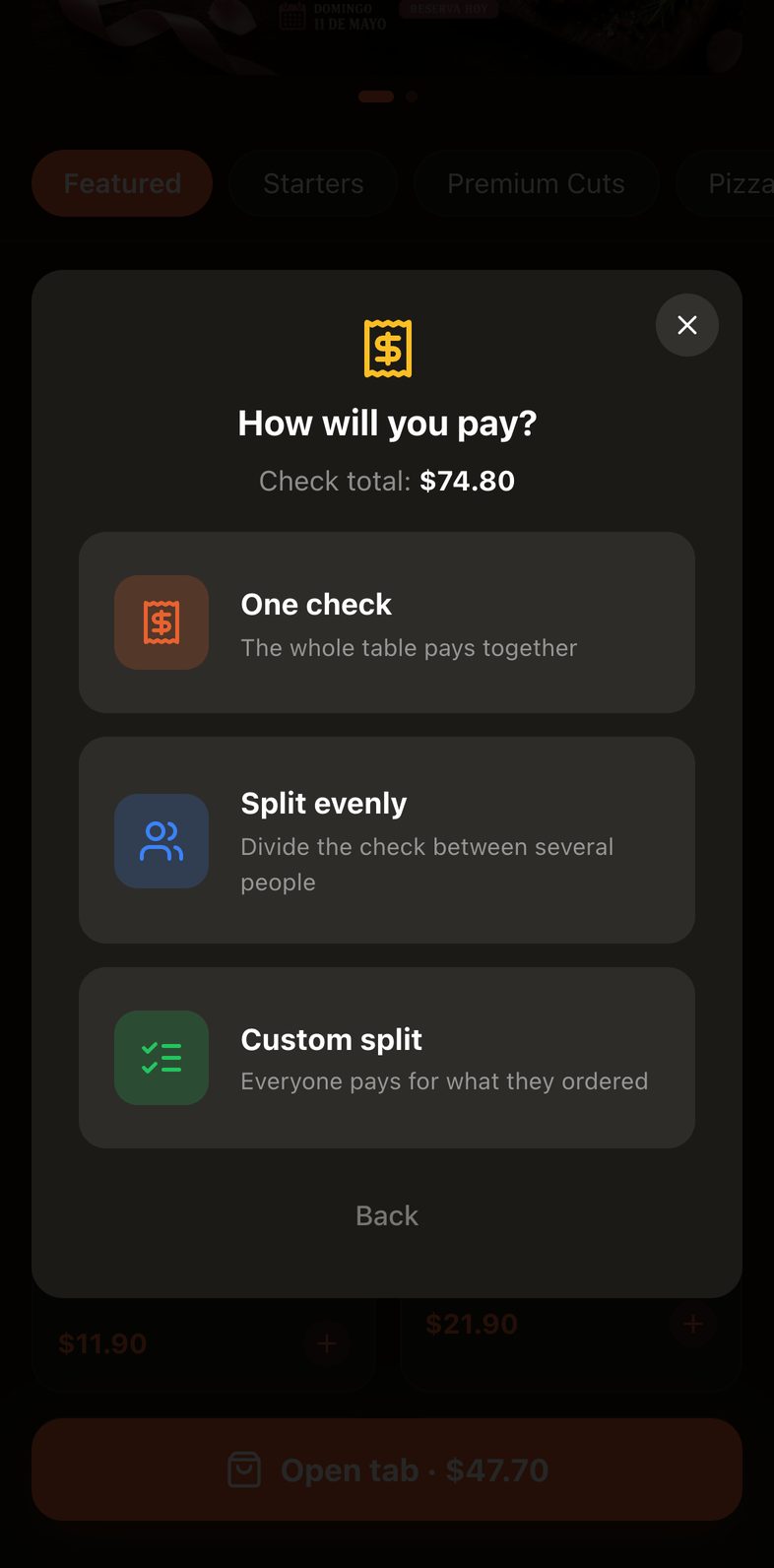
Table ordering and split checks in seconds.
Guests scan the QR code at their table, order from their phone and follow each dish until it arrives. At the end they choose how to pay, and everyone knows exactly what they owe.
- They open a tab with their name, table and server
- They see each order as waiting, being prepared or served
- They pay as one check, split evenly or each person pays for what they ordered
- Optional tip and payment method for each person
- Your team sees every table and how the check was split from the dashboard
Delivery orders through your own channel, with no commissions.
Guests order through your channel and you follow each order live, from the kitchen to their door. No middlemen and no commission per order.
- Live tracking: received, being prepared, on the way and delivered
- Delivery zones on a map with a price for each zone
- Payment on delivery today, with online card payments coming soon
- Discount codes with dates and usage limits
- Addresses are saved for the next order
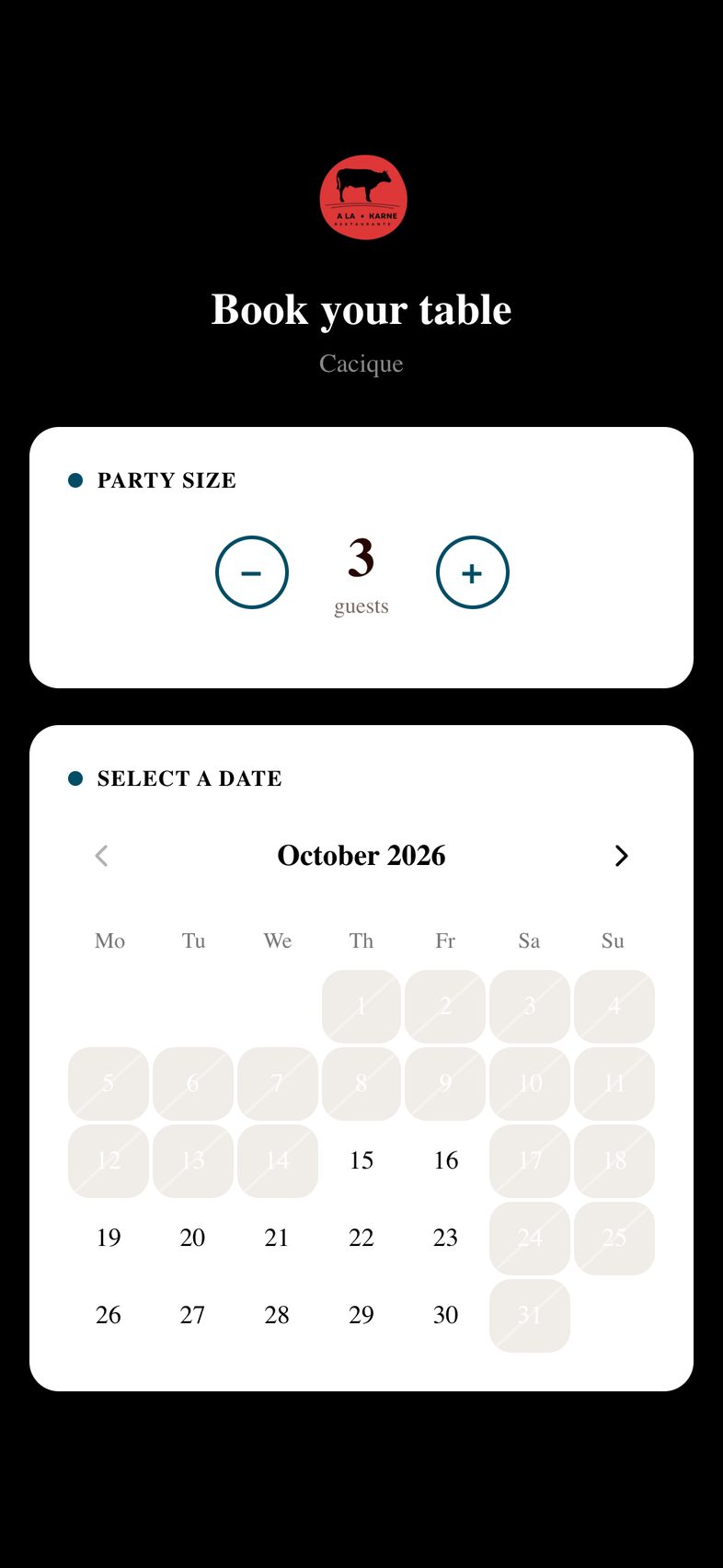
Online reservations, 24 hours a day.
Guests pick the date, time and party size without calling. You manage the dining room from one dashboard, with no double bookings.
- Weekly calendar to see everything at a glance
- Floor plan: arrange tables by dragging them
- Automatic email reminder to every guest
- See which reservations are confirmed, seated or completed
- Capacity, zones and hours for each location
Your stamp card, in your guests' Wallet.
Your guests keep your restaurant's card in Apple Wallet, right next to their bank cards. No extra app, and no paper card to lose.
They join in seconds
They scan the QR at your counter or open the email invite, and save the card on their iPhone.
A stamp on every visit
Your team scans the card at checkout and the guest gets a notification: “You have 4 of 10 stamps”.
They earn their reward and come back
Once the card is full they claim the reward you choose, and a new one starts.
You can also send your promotions as a message straight to the card. With your logo, your colors and a photo of your signature dish.
Ready to sell in one week.
We handle the setup. You keep running your restaurant.
-
Book your demo
In 30 minutes we walk you through the platform and answer your questions. No credit card and no commitment.
-
We set it up for you
We load your menu, apply your colors and turn on what you need. You review and approve.
-
We train your team
We show your staff how to handle orders and reservations. In 5 to 7 business days you are ready to go.
-
You start selling
Share your QR code and your link, and take orders and reservations from day one. Our team is always here to help.
Frequently asked questions
Have another question? Book a demo and we'll answer it live.
Does Gastroof charge a commission on each order?
No. Gastroof does not charge a commission per order: the value of every sale goes to your restaurant.
Does my restaurant get its own link?
Yes. Your restaurant gets its own link, like yourrestaurant.gastroof.com, with your logo and your colors. Share it on social media, in messages and on the QR codes at your tables.
Do my guests need to download an app?
No. They open your link or QR code in their browser, with no downloads or sign-ups. If they want, they can save your menu on their phone like an app.
Can guests split the check from their phone?
Yes. From the table QR menu they choose to pay as one check, split it evenly or have each person pay for what they ordered. Each person picks their own tip and payment method.
Can my guests have a loyalty card?
Yes. Your guests keep your stamp card in Apple Wallet with your logo and colors. Your team adds a stamp by scanning it at checkout, they get a notification on their phone and, once it is full, they claim the reward you choose.
How long does the initial setup take?
5 to 7 business days, with your menu loaded, your brand applied and your team trained. You send us your menu and your logo, and we do the rest.
Do I need to be good with technology to use Gastroof?
Not at all. If you can use a smartphone, you can use Gastroof. Our team also walks you through the initial setup at no extra cost.
How do guests pay?
Guests pay when they receive their order or at the table. Online card payments are coming soon.
Can I manage multiple locations?
Yes. Each location has its own menu, hours, delivery zones and team, and you manage them all from one login.
See Gastroof in action in 30 minutes.
Book a free demo and we will walk you through every feature live. No credit card and no commitment.